
Wildfire allows you to insert text on an image in various formats, as shown below.
You may also place an action button on an image.
Instructions for inserting an image with text on a website page are found in Unit 02, Chapter 11, Section B.
This is an image with text in the Banner style. There is also an action button which leads the website visitor to further content.
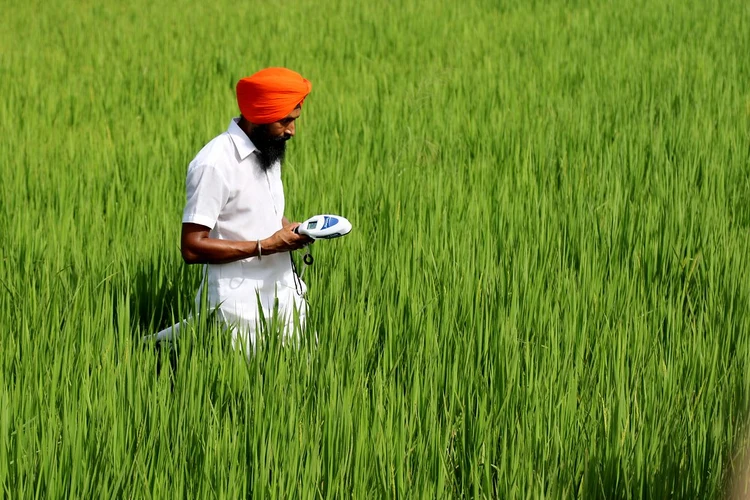
This is the Text Panel style. It is similar to Banner, but it includes a frame around the text.
This is the Half-width style. The text does not overlay the image, but it reduces the size of the image.
This is the Wrap Text style. The text is displayed separately from the image in the same content block and wraps around the image (if there is enough text to do so).
From Wikipedia: Rice is one of the chief grains of India. Moreover, this country has the largest area under rice cultivation, as it is one of the principal food crops. It is, in fact, the dominant crop of the country. India is one of the leading producers of this crop. Rice is the basic food crop and being a tropical plant, it flourishes comfortably in a hot and humid climate.
